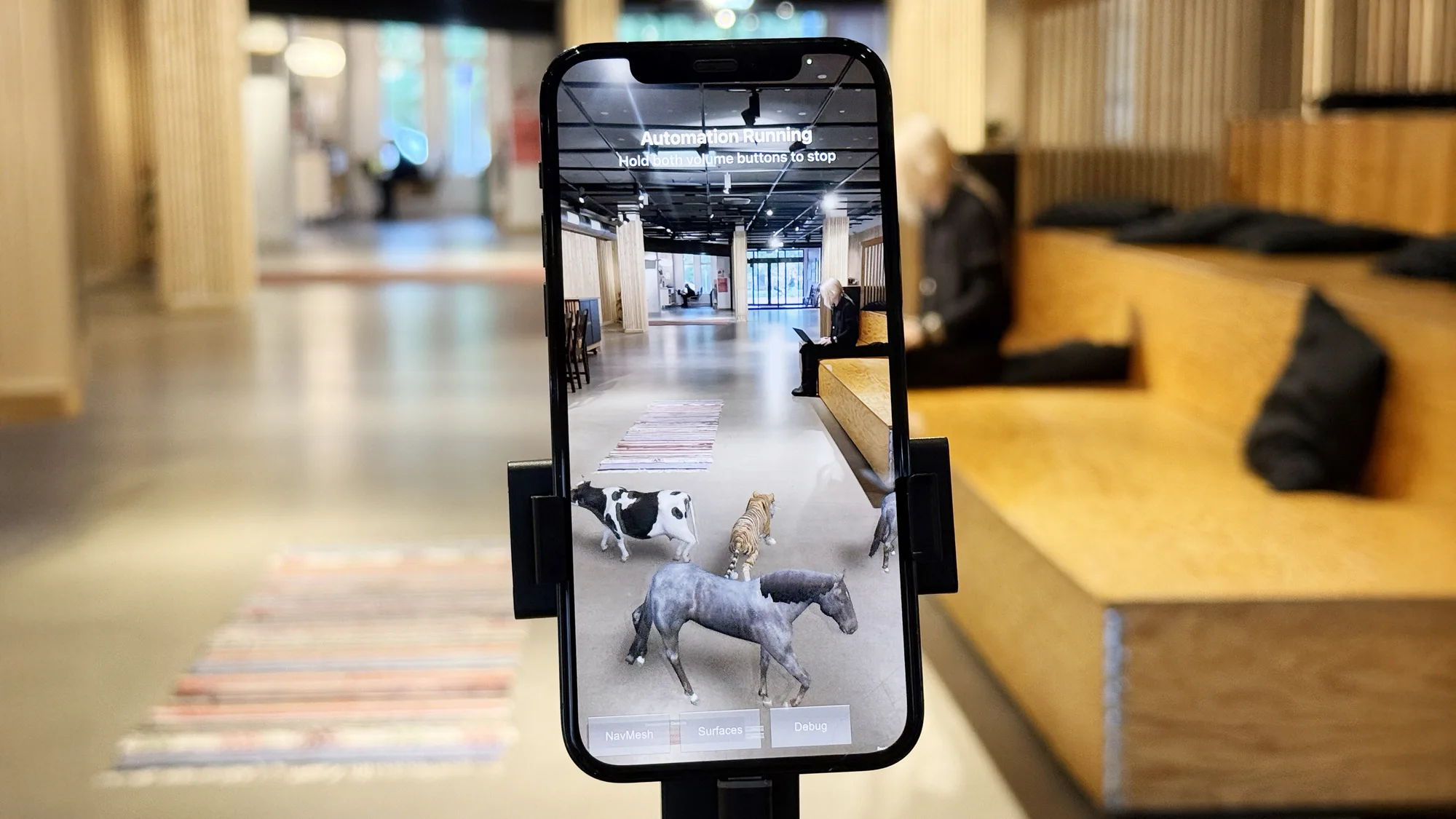
Automating AR creation with Unity and Meadow

Jakob Skote
Co-founder of Meadow
Meadow Studio 0.5.0 introduces a CLI that lets AI agents build, upload and check AR experiences on a real device. We used this to get Claude Code to put a herd of virtual animals on the studio floor. Here is how the loop works, and what it can't do for you.
We got Claude Code to figure out how to put virtual animals on our studio floor, and we think you should try it too so here's a rundown!
Meadow Studio 0.5.0 ships with a command line. An agent can now validate a bundle, upload it, and open the result on a phone and look at what it made. That closes a loop which used to need a human: build, upload, pick up the phone, realise the phone is out of battery, charge it, chat to a colleague, have a coffee, forget what you were doing – right AR testing! back to Meadow, open the experience, all materials are wonky, back to Unity, repeat. Most of that loop is boilerplate, and boilerplate is exactly what we want AI to do for us, right? Man was not created to visually verify that bitmaps render correctly on Android!
What we did
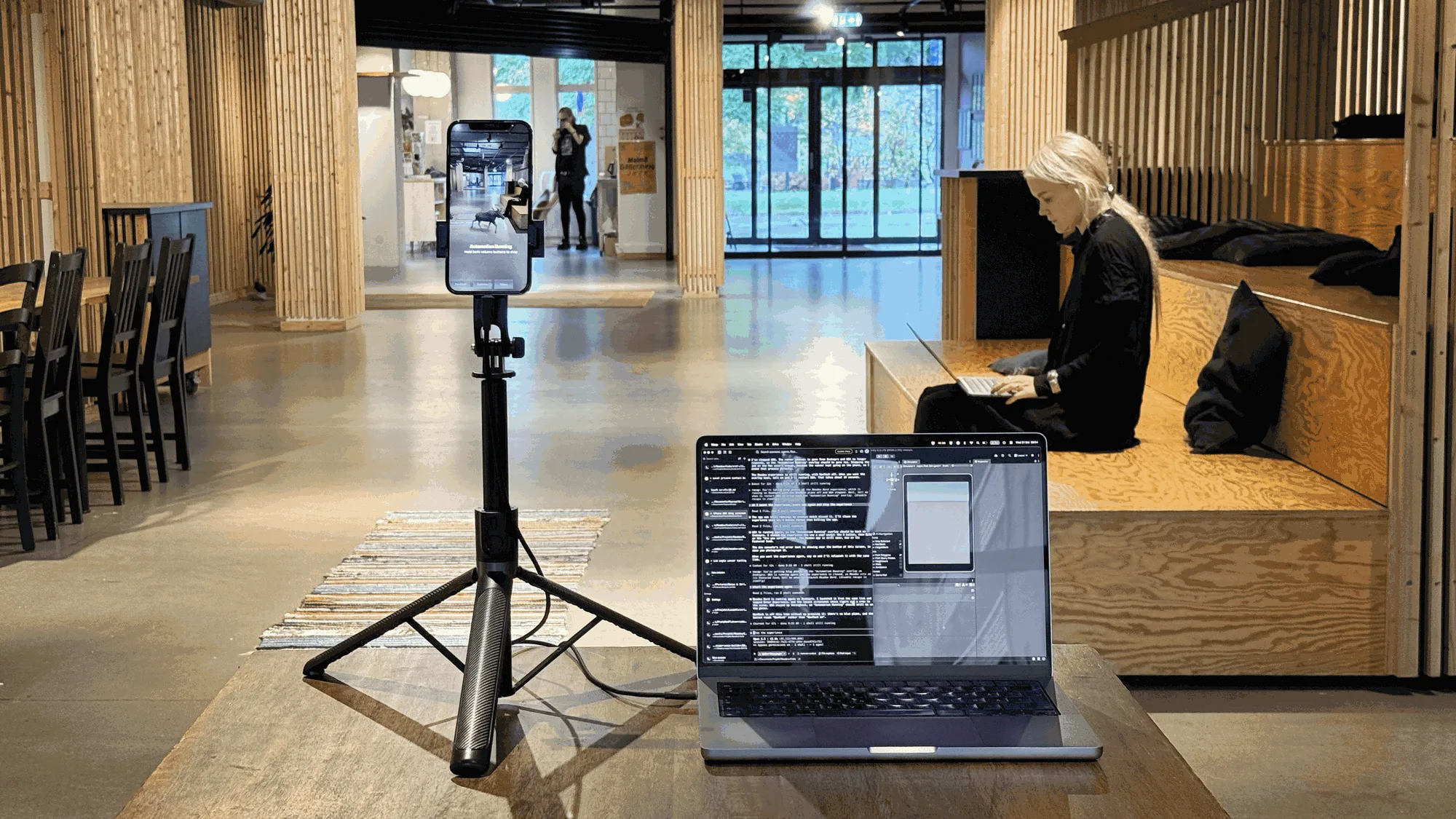
We connected an iPhone to the Mac over USB and clamped it to a stand pointing at the floor (tested on Android too, and iPhone on Windows works with some caveats). New Unity project, Meadow Studio installed, Meadow → Set Up Agent Access clicked once. Then we gave Claude Code an old folder of rigged animal fbx's and a prompt:
create an AR experience with a bunch of animals walking around on real world surfaces using the Meadow Herd system
And it got started...
It imported models, set up animators, assigned animations, built a main prefab with the MeadowExperience component, found the herd system and populated it, tagged the folder as an asset bundle, uploaded it, and opened it on the phone. The first screenshot came back with missing textures and animals sliding around at eye height. It reimported the textures, worked out that the experience's vertical positioning was set to None rather than Floor, uploaded again, looked
again.
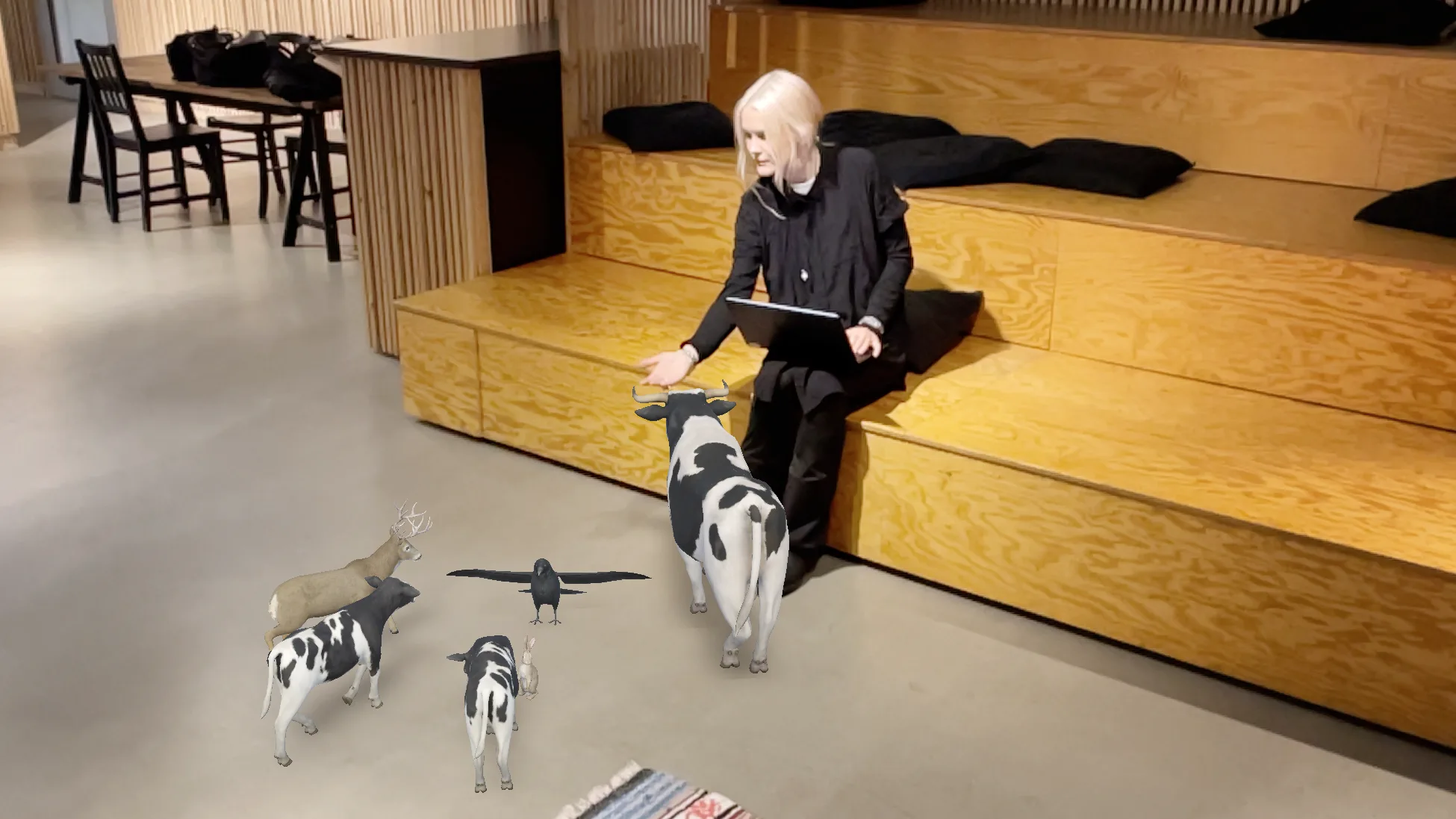
Three rounds of that, and we had a virtual farm going without touching the phone.
How the loop works
The piece that makes this possible is that Meadow Studio now ships documentation written for agents. "Set Up Agent Access" drops it into your project as a skill, so an agent working there already knows what an experience is, what the validator will reject, and which settings live in the prefab rather than on the platform. You do not have to explain Meadow to it.
The upload itself is three commands, and your agent will find them on its own:
M="bash Assets/Meadow-Studio/Tools/meadow-studio.sh"
$M experiences                                   # which experience am I uploading to?
$M validate --bundle animals --type Experience   # would this be rejected?
$M upload --experience <id> --bundle animals --platforms ios,android
Then it opens the result on the phone. On iPhone:
xcrun devicectl device process launch --device <device-uuid> --terminate-existing \
  --payload-url "https://app.meadow.space/e/<experience-id>?i" com.untoldgarden.meadow
and on Android:
adb shell am start -a android.intent.action.VIEW \
  -d "https://app.meadow.space/e/<experience-id>" com.untoldgarden.meadow
--payload-url hands iOS the link exactly as it would arrive from a scanned QR code, so the app lands on your experience by itself. That detail means the agent never has to find and press anything to get where it is going. A screenshot, pymobiledevice3 developer dvt screenshot on iPhone, adb exec-out screencap on Android, and it can see what it built.
This works with the Meadow app from the App Store or Play Store, and the only thing you need to do on your phone is to enable Developer Mode if on iPhone and USB debugging on Android, that is all.
Prerequisites
pipx install pymobiledevice3, Developer Mode onadb from Android platform-tools, USB debugging onPressing buttons
Opening an experience by link covers most of what you want to check, because the link does the navigating. If your piece has something to press, though, the two platforms are not equal.
On Android it is easy: adb shell input tap 540 1800, in the same pixel coordinates as the screenshot you just took.
On iPhone it's a bit more work. iOS runs scripted taps through WebDriverAgent, a separate app you build and sign with your own Apple team, which means Xcode and an Apple Developer account. Worth it if you have them already. If you do not, and you need scripted taps, do that part of your testing on Android.
Important to know is that your experience is not in the accessibility tree. AR renders through Unity into a single surface, so the system sees one element however many buttons you have drawn. Taps on your own content are coordinates, and you screenshot after each one to find out whether it landed. Native prompts like camera and location permissions can be read and accepted by name on both platforms.
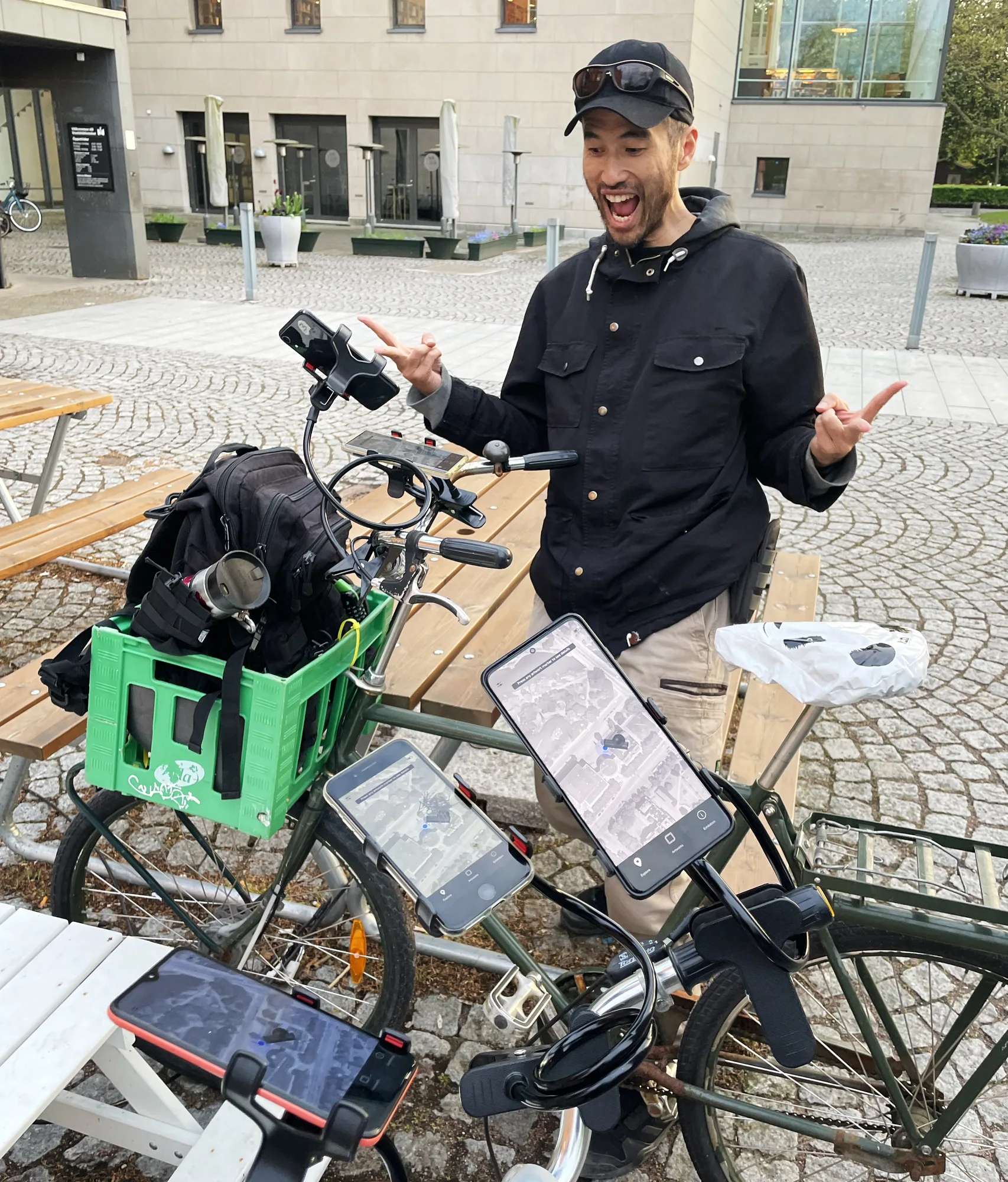
Manual testing with Keith Lim for Vävda rum back in 2023. Two bikes with three phones each for multi-device geospatial multiplayer tests.
What this does not solve
AR is out in the world, which is the whole reason it is fun (and why we're bullish on it having a larger impact on our lives than AI). No AI is going to walk your piece around a room for you*. Whether tracking holds, whether the scale reads right in your space, whether a thing placed against a real wall feels placed or feels pasted on — all of these require a person, in a space, moving a device. Anything anchored to a real location can only be checked by standing there.
What the loop removes is everything before that: the compile-upload-check cycle, missing textures, the setting left on the wrong enum, all the annoying blah inherent to working digitally. You get to the thing worth judging faster, and you judge it yourself.
*Having said this, we realised that for Android you can trigger a vibration over adb which on certain stands (the clamp+arm variety) makes the phone move around, improving tracking. Maybe next step is getting a radio-controlled car?
On visual scripting
Uploading custom C# to Meadow is still not possible. We are working on it and hope to have it in by the end of the year. In the meantime it turns out Claude Code is pretty decent at wiring visual script graphs! Look at this, it ain't pretty but it works:
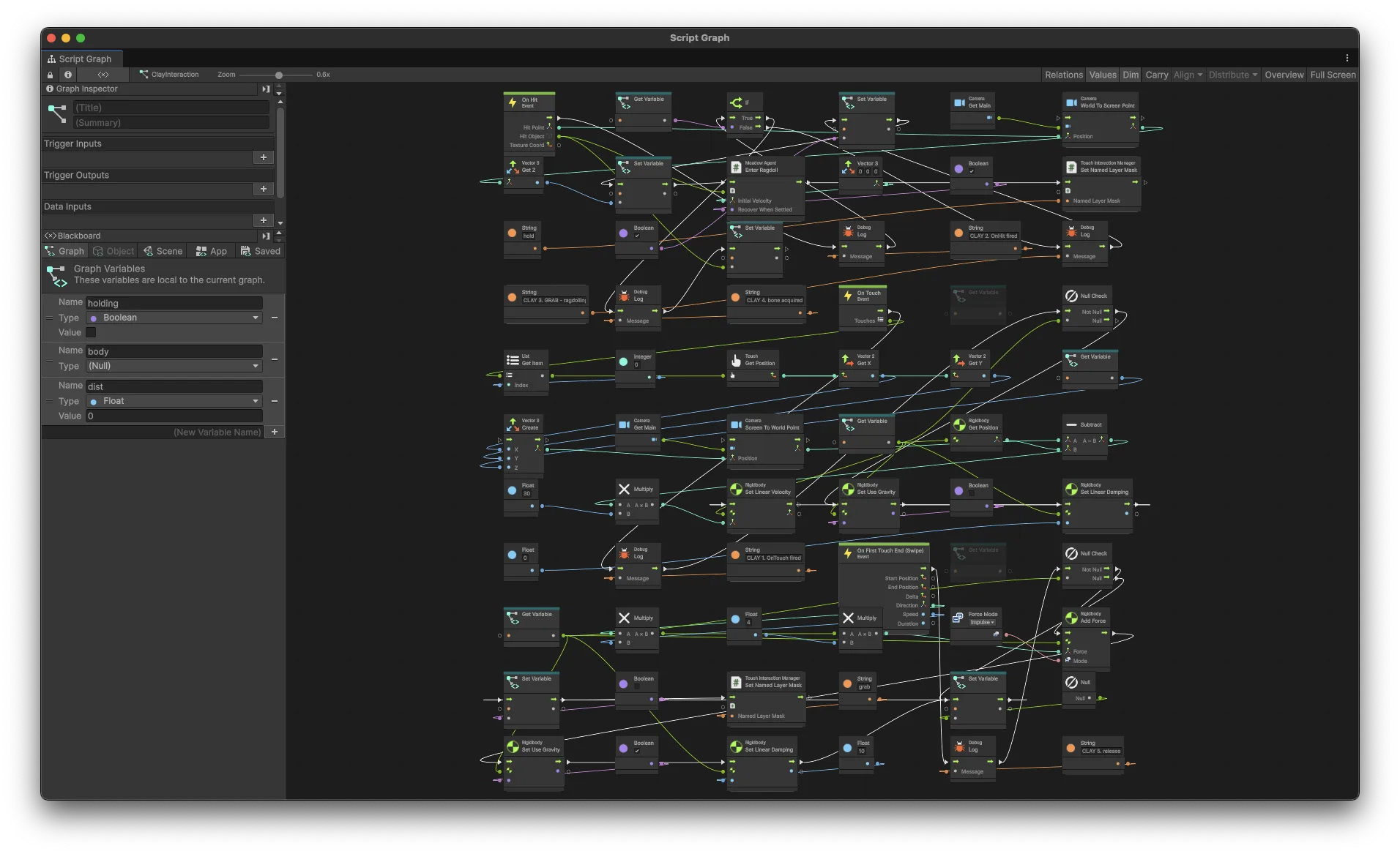
This is great news, but we wouldn't let Claude wire everything for us regardless of how good it is. Visual scripting differs from traditional coding in that much of the boilerplate is already gone. What is left is close to a flow diagram of the experience, and for a narrative or interactive piece that diagram is the work. Which means you need a clear idea of what your experience should be before you hand anything to an agent.
The best way to get to that clearness of an idea is often to do the actual wiring. A lot of the craft in any experience lies in thinking hard about those flows and interactions, and that needs you to get close to them. Without it you lose the understanding of the structure of your own art.
Asking Claude to "make my experience interactive" will just result in slop, and if it happens to get you something good, you will be external to it. Asking it to wire "When the user is within 1 m of the chicken, make it explode using the firework VFX" is a genuine timesaver. At this stage you've probably already sketched out the flow somewhere. Why not take a picture of your hand drawn flow graphs and hand them to Claude to transfer to visual scripting?
Anyhow, to end with an AIism: don't outsource the creativity, outsource the clicking. We are very happy that we don't need to manually assign animation clips anymore.
Meadow Studio 0.5.0 is up on app.meadow.space/dashboard/meadow-studio.
The herd system used in this example is in XREF Experience Builder 0.2.85, install it via optional packages in Meadow Studio. You can download the example project at app.meadow.space/e/-P1zPWzRll7NkAKXQfk4 by pressing "Download project".
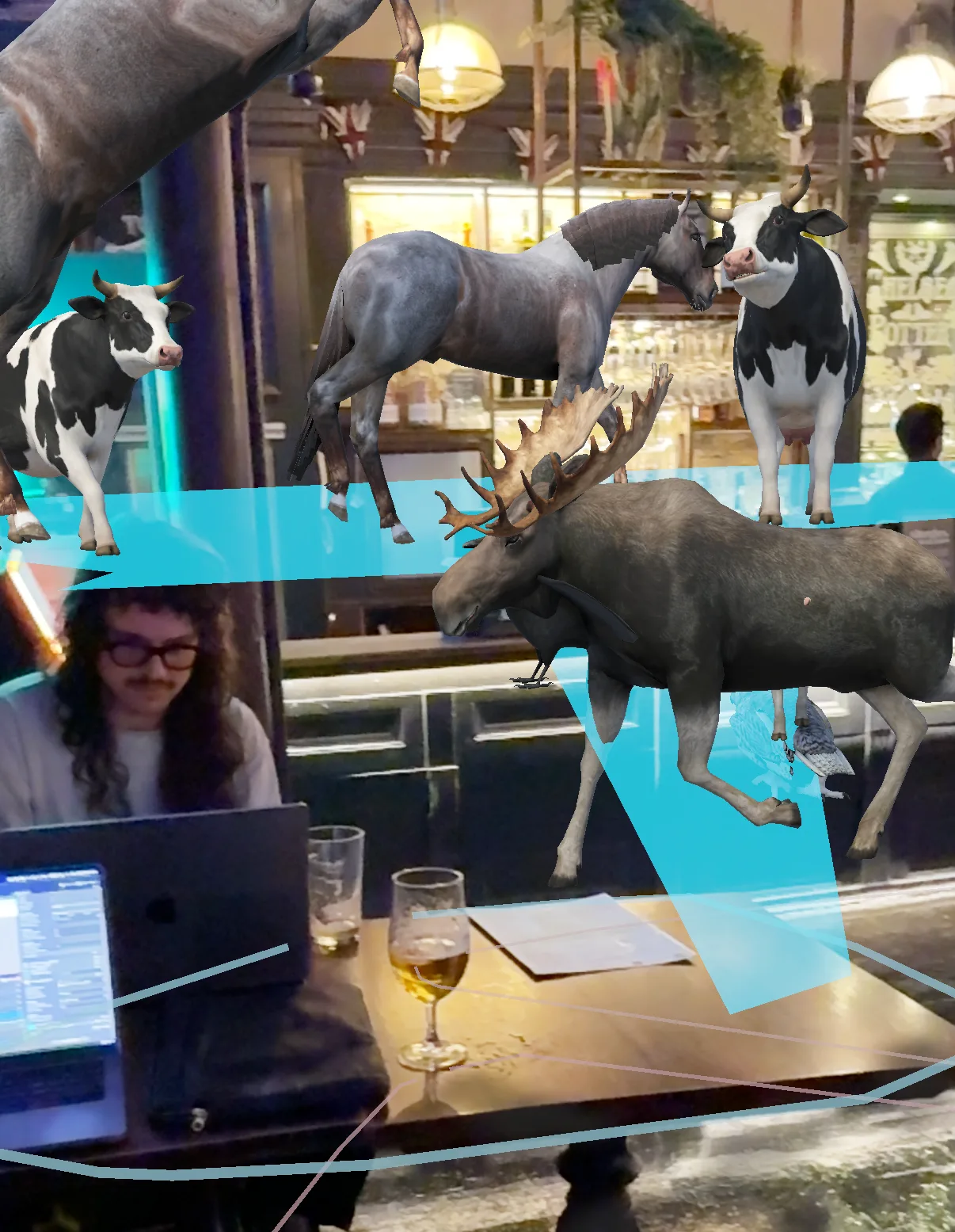
Bringing the fauna to the pub.
Tags
Stay Updated
Get more stories like this delivered to your inbox.